
AI Tools Every Office Worker Should Know in 2026





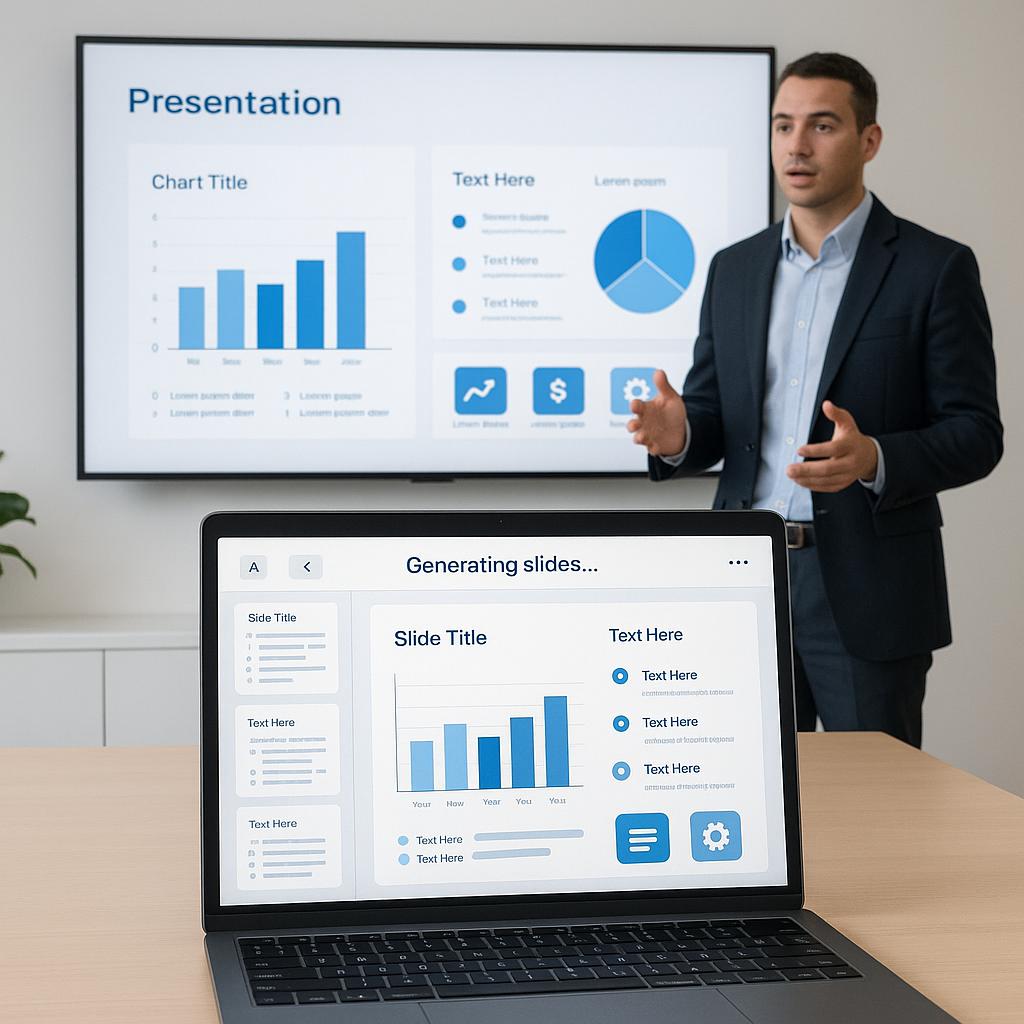

Artificial Intelligence has transformed modern workplaces. What once required hours of manual effort can now be completed in minutes using AI-powered software. Whether you’re an accountant, HR professional, marketer, software developer, project manager, student intern, or business owner, AI tools are becoming essential workplace companions.
According to multiple workplace productivity studies, employees spend a large portion of their workday on repetitive tasks like writing emails, organizing files, scheduling meetings, taking notes, and preparing reports. AI automates many of these responsibilities, allowing professionals to focus on creative thinking, strategic planning, and decision-making.
In this guide, you’ll discover the 15 best AI tools every office worker should know in 2026, how they help, and when to use them.
Why AI Tools Matter in Modern Offices
Businesses worldwide are rapidly adopting AI because it offers several advantages:
- Saves hours of repetitive work
- Improves communication
- Generates professional documents quickly
- Helps analyze data
- Creates presentations automatically
- Organizes meetings
- Enhances teamwork
- Reduces human errors
- Improves customer service
- Increases employee productivity
Instead of replacing employees, AI is increasingly becoming a powerful assistant.
1. ChatGPT


ChatGPT is one of the most popular AI assistants available today. It helps employees complete daily office tasks much faster.
Best Uses
- Draft emails
- Summarize reports
- Brainstorm ideas
- Create meeting agendas
- Generate Excel formulas
- Write documentation
- Explain complex topics
- Translate languages
- Create training materials
Ideal For
- HR
- Marketing
- Finance
- IT
- Sales
- Customer Support
2. Microsoft Copilot


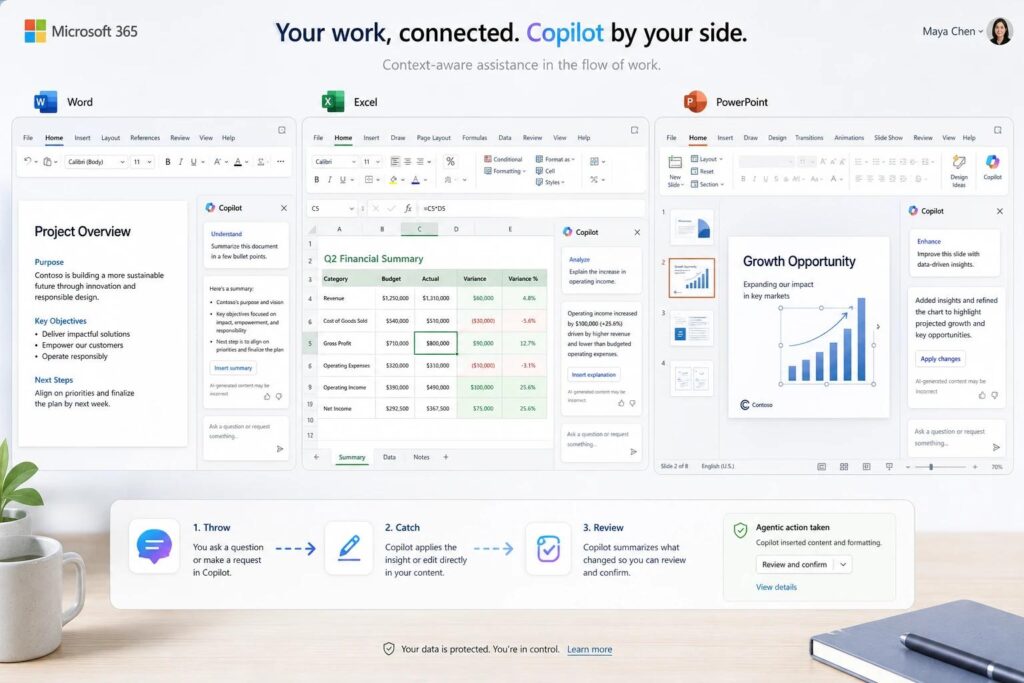
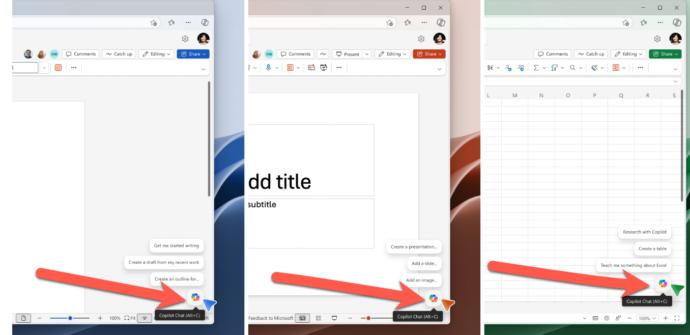
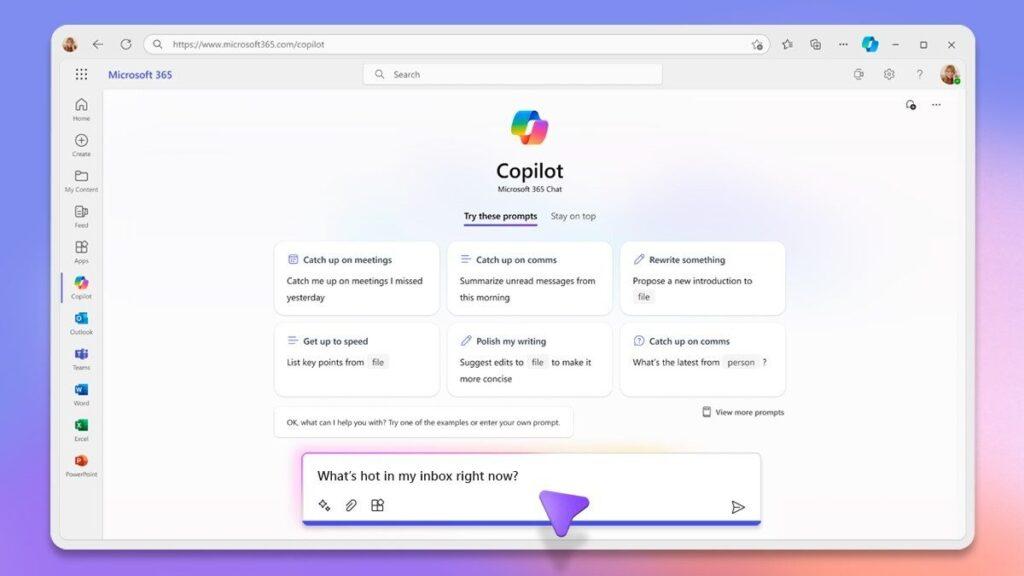
Microsoft Copilot integrates directly into Microsoft Word, Excel, PowerPoint, Teams, and Outlook.
Features
- Create PowerPoint presentations
- Analyze Excel spreadsheets
- Summarize Outlook emails
- Generate meeting notes
- Write reports
- Build charts instantly
Perfect for organizations already using Microsoft 365.
3. Google Gemini


Google Gemini works seamlessly with Gmail, Google Docs, Sheets, Slides, and Drive.
Employees can:
- Draft emails
- Create spreadsheets
- Write reports
- Summarize documents
- Generate presentations
- Organize projects
It is especially useful for businesses using Google Workspace.
4. Grammarly


Professional communication matters.
Grammarly helps users:
- Fix grammar mistakes
- Improve tone
- Rewrite sentences
- Check plagiarism
- Improve clarity
- Make business emails more professional
Even experienced writers benefit from Grammarly’s suggestions.
5. Notion AI


Notion AI combines note-taking, project management, documentation, and AI assistance.
It helps users:
- Summarize meeting notes
- Generate project plans
- Create SOPs
- Organize knowledge bases
- Draft documents
Great for remote teams.
6. Otter.ai


Taking meeting notes manually wastes time.
Otter AI automatically:
- Records meetings
- Transcribes conversations
- Creates summaries
- Identifies speakers
- Highlights action items
Perfect for Zoom, Google Meet, and Microsoft Teams.
7. Canva AI


Canva is no longer just a graphic design platform.
Its AI features allow employees to:
- Design presentations
- Generate social media graphics
- Create infographics
- Remove backgrounds
- Generate images
- Edit videos
Even beginners can create professional visuals.
8. Perplexity AI


Perplexity is excellent for workplace research.
It helps users:
- Find reliable information
- Summarize articles
- Compare products
- Research competitors
- Learn new topics quickly
Unlike traditional search engines, it provides summarized answers with references.
9. Fireflies.ai


Fireflies AI automates meeting documentation.
Features include:
- Meeting recording
- AI summaries
- Action items
- Searchable transcripts
- CRM integration
Especially useful for sales teams.
10. Gamma


Gamma creates presentations from a simple prompt.
Instead of spending hours designing slides, employees can generate professional presentations within minutes.
Ideal for:
- Business proposals
- Team meetings
- Client presentations
- Investor decks
11. Claude


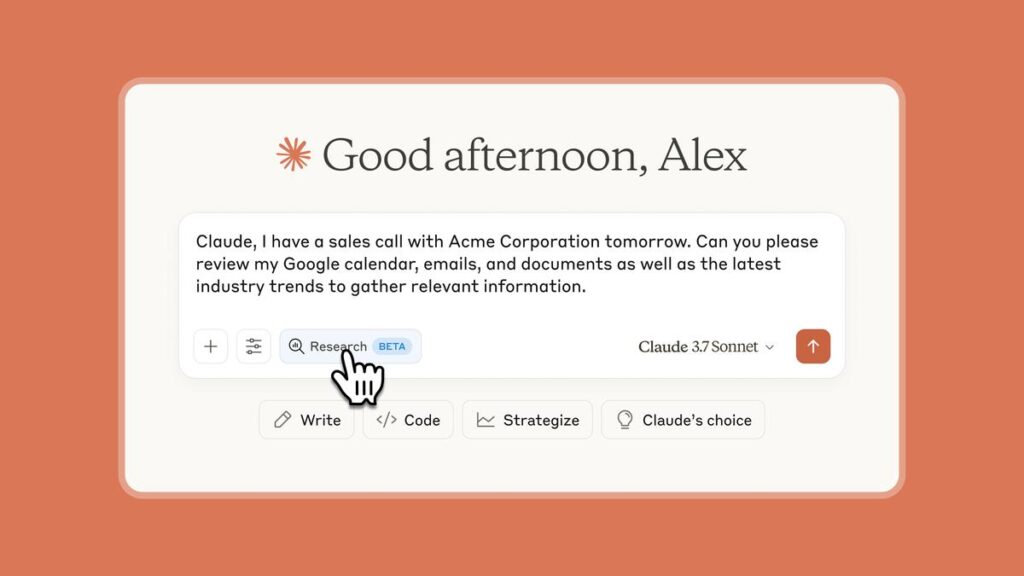
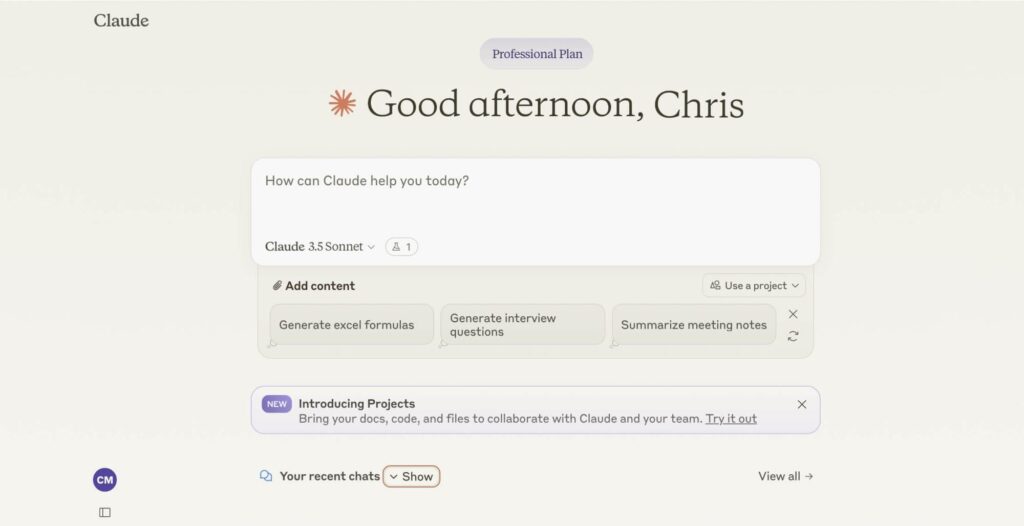
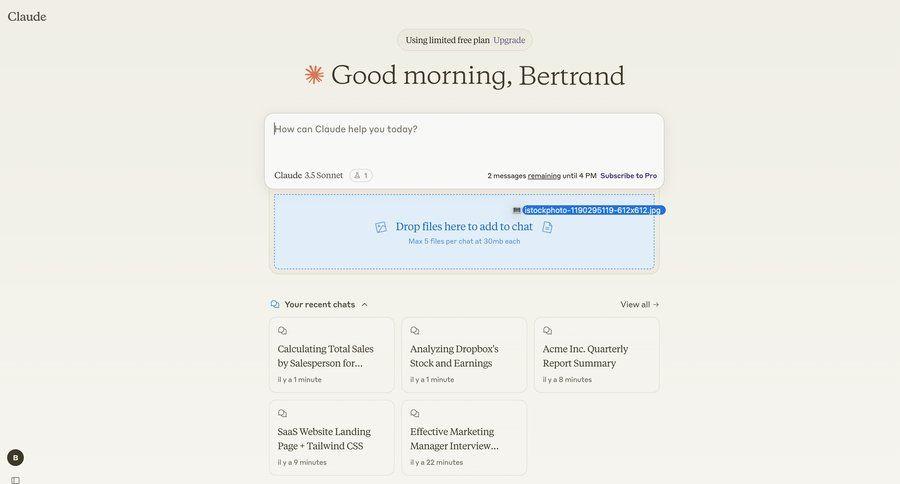
Claude is excellent for handling long documents.
It helps users:
- Analyze contracts
- Summarize PDFs
- Generate reports
- Brainstorm strategies
- Write documentation
Many professionals prefer it for lengthy content analysis.
12. Zapier AI


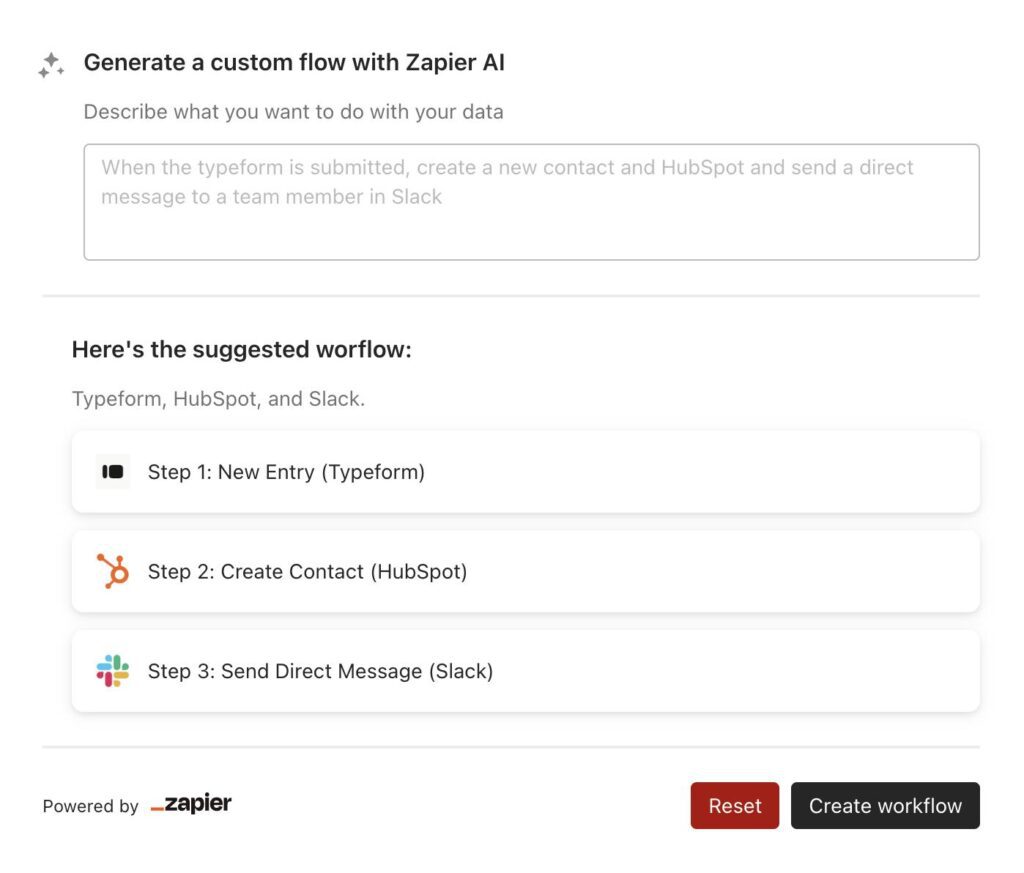
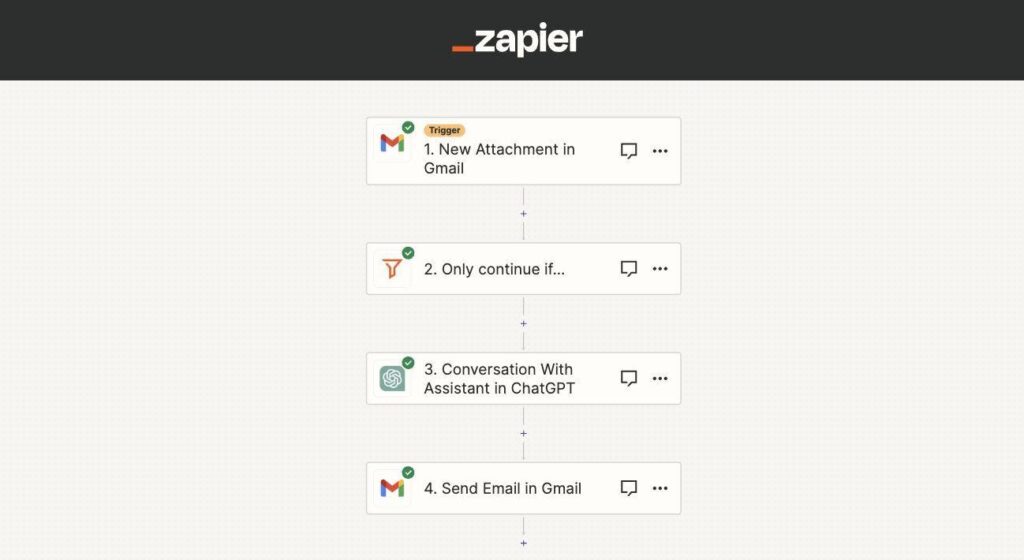
Automation saves valuable work hours.
Zapier AI connects thousands of business applications.
Examples:
- Save Gmail attachments automatically
- Update CRM records
- Send Slack notifications
- Organize Google Drive files
- Create tasks automatically
13. Tome AI


Tome generates visually attractive presentations with AI.
Ideal for:
- Product pitches
- Sales reports
- Marketing plans
- Business storytelling
14. Motion AI


Time management is difficult in busy offices.
Motion automatically:
- Plans your day
- Prioritizes work
- Schedules meetings
- Adjusts deadlines
- Organizes calendars
It acts like an intelligent personal assistant.
15. Adobe Acrobat AI Assistant


Working with PDFs becomes much easier.
AI features include:
- Summarize PDFs
- Ask questions
- Compare contracts
- Extract information
- Generate document insights
Excellent for HR, legal teams, finance, and administration.
How AI Improves Office Productivity
AI helps office workers by automating routine tasks such as:
| Traditional Task | AI Solution |
|---|---|
| Writing emails | ChatGPT, Gemini |
| Meeting notes | Otter AI, Fireflies |
| Reports | Claude, ChatGPT |
| Presentation | Gamma, Canva AI |
| Scheduling | Motion |
| Grammar | Grammarly |
| Research | Perplexity |
| Spreadsheet analysis | Microsoft Copilot |
| Project documentation | Notion AI |
| Workflow automation | Zapier |
Tips for Using AI Responsibly at Work
While AI is incredibly helpful, employees should follow best practices:
- Always verify AI-generated information.
- Avoid sharing confidential company data with public AI tools unless approved by your organization.
- Review AI-written emails before sending them.
- Use AI to assist your work—not replace your judgment.
- Stay informed about your company’s AI usage policies.
Responsible use ensures both productivity and data security.
How to Choose the Right AI Tool
Before adopting an AI tool, consider:
- Purpose: Writing, design, coding, meetings, or automation?
- Integration: Does it work with Microsoft 365, Google Workspace, Slack, or other tools you already use?
- Ease of use: Can your team learn it quickly?
- Pricing: Does the free plan meet your needs, or is a paid subscription required?
- Security: Does it meet your organization’s privacy and compliance requirements?
Starting with one or two tools and expanding gradually often leads to smoother adoption.
The Future of AI in the Workplace
AI capabilities continue to evolve rapidly. In the coming years, office workers can expect:
- More personalized AI assistants
- Smarter meeting summaries with action tracking
- Deeper integration across workplace software
- Predictive scheduling and workload management
- AI agents capable of completing multi-step business tasks
- Enhanced collaboration between humans and AI
Rather than eliminating jobs, AI is increasingly reshaping roles by handling repetitive work and allowing people to focus on higher-value activities.
Conclusion
AI has become an essential part of the modern workplace. From drafting emails and summarizing meetings to building presentations, automating workflows, and analyzing data, the right AI tools can significantly improve productivity and reduce repetitive work.
The best approach is to identify your biggest daily time sinks and choose AI tools that address those needs. As AI continues to evolve, professionals who learn to work effectively alongside these tools will be better equipped to adapt to the future of work.
Whether you’re a student entering the workforce, a business professional, or a team leader, mastering these AI tools can help you work smarter, communicate more effectively, and accomplish more in less time.
Frequently Asked Questions (FAQs)
Which AI tool is best for office work?
ChatGPT, Microsoft Copilot, Google Gemini, and Notion AI are among the most versatile tools because they support writing, research, document creation, and productivity.
Are AI tools free?
Many AI tools offer free versions with limited features, while premium plans provide advanced capabilities, higher usage limits, and business integrations.
Can AI replace office workers?
AI is designed to assist with repetitive and time-consuming tasks. Human creativity, critical thinking, relationship building, and decision-making remain essential in most roles.
Which AI tool is best for creating presentations?
Gamma, Canva AI, Microsoft Copilot, and Tome are excellent choices for generating professional presentations quickly.
Is AI safe for business use?
AI can be safe when used responsibly. Businesses should choose trusted providers, follow internal security policies, and avoid sharing sensitive or confidential information without proper safeguards.
Just spent some time on pkr666lucky, and I’m digging the design. Pretty clean and simple, no fuss. The ‘lucky’ part feels real! Definitely a place to try your hand at poker. Take a look pkr666lucky.