
How to Remove Virus from Android Without Factory Reset (Complete Guide)

Best Tools to Remove Virus from Android
Many users think that the only way to remove a virus from their phone is by performing a factory reset. While a factory reset can solve the problem, it also deletes all your data including photos, videos, contacts, and apps.
The good news is that in most cases you can remove a virus from your Android phone without performing a factory reset. By following a few simple steps, you can detect and remove malicious apps and restore your phone’s normal performance.
In this guide, we will explain how to safely remove viruses from your Android device without losing your data.
“If your phone becomes slow after installing apps, you may also want to read our guide on how to make your Android phone faster.”
Learning how to remove virus from Android without factory reset is important for keeping your smartphone secure and running smoothly.
Signs That Your Android Phone Has a Virus

Before removing a virus, it is important to identify the warning signs. Some common symptoms include:
- Your phone suddenly becomes very slow
- Too many pop-up ads appear
- Apps install automatically without permission
- Battery drains quickly
- Unknown apps appear on your phone
- Your phone heats up even when not in use
- Internet data usage increases suddenly
If you notice these signs, your phone may be infected with malware.
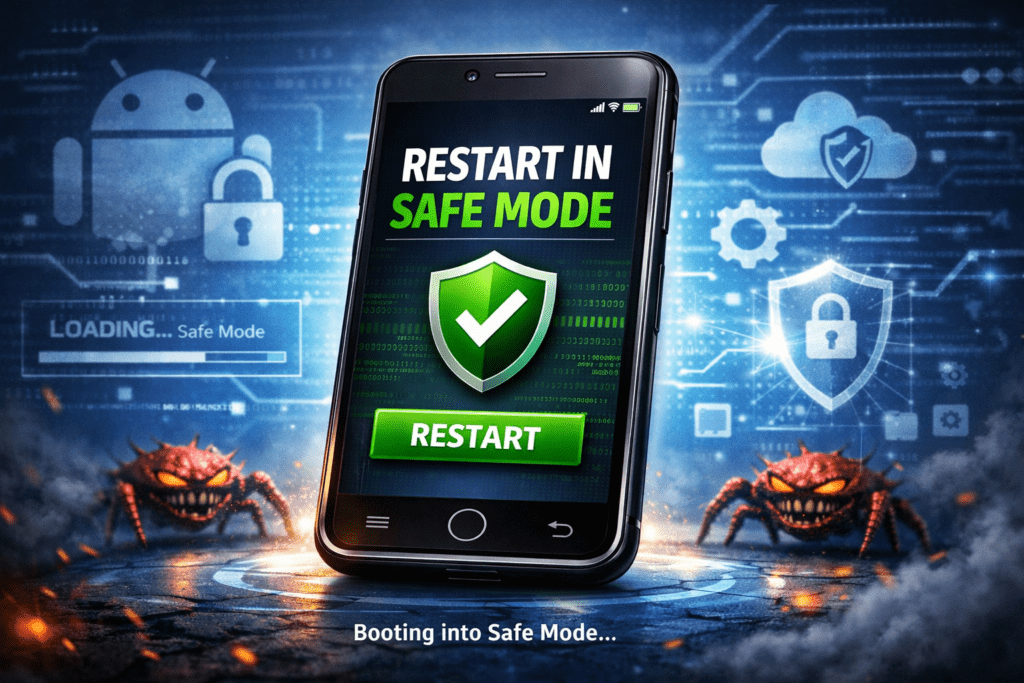
Some of the steps you should follow to get rid of mobile virus



- Download apps only from trusted sources
- Avoid clicking suspicious links
- Keep your phone updated
- Review app permissions regularly
- Use a reliable antivirus application
- Avoid connecting to unknown public Wi-Fi networks
Following these practices greatly reduces the risk of malware infections.
“Android automatically scans apps using Google Play Protect to detect harmful software.”
Final Thoughts
Android viruses can be frustrating, but they do not always require a factory reset to fix. By using Safe Mode, removing suspicious apps, clearing browser data, and running security scans, you can eliminate most malware infections without losing your personal data.
Android also includes built-in security features like Google Play Protect that help detect and remove harmful apps automatically.
By staying cautious when installing apps and regularly updating your phone, you can keep your Android device secure and running smoothly.
With the right precautions, you can enjoy all the benefits of your smartphone without worrying about viruses or security threats.
By following these steps, you can successfully remove virus from Android devices without performing a factory reset and keep your phone safe from future threats.
Frequently Asked Questions (FAQ)
1. Can Android phones really get viruses?
Yes, Android phones can get malware or harmful apps if you download apps from unknown sources instead of the trusted Google Play Store.
2. How do I know if my Android phone has a virus?
Common signs include slow performance, excessive ads, unknown apps appearing, and sudden battery drain.
3. Can I remove a virus without factory reset?
Yes. You can remove most malware by uninstalling suspicious apps, clearing browser data, and scanning your device with Google Play Protect.
4. Is antivirus necessary for Android phones?
Android devices already include basic protection, but using trusted security apps like Avast Mobile Security can provide extra safety.