
How Your Smartphone Hides the Most Important Decisions From You
When you open an app, you think you’re in control.
You see buttons.
You see menus.
You see options.
But what you don’t see is more important than what you do.
Modern smartphones are built around something called the invisible user interface — a design philosophy that hides complexity while guiding your decisions silently. According to research by Nielsen Norman Group, design simplicity significantly influences user behavior.
And once you understand it, you’ll never use your phone the same way again.
Your smartphone doesn’t need to control you loudly. It controls you silently. Through subtle design choices, hidden defaults, predictive suggestions, and frictionless flows, an invisible user interface directs what you notice, what you tap, and what you ignore. You believe you are navigating your device freely — but much of the journey has already been mapped for you. The most powerful design is not what’s visible. It’s what disappears.
As explained in our smartphone behavioral design article, subtle design decisions shape long-term habits.
Many smartphone myths ignore the deeper design strategies behind user engagement.
What Is Invisible User Interface?
Invisible user interface (UI) is the design approach where controls, decisions, and system logic are hidden from the user.
Instead of overwhelming you with choices, apps:
- Simplify layouts
- Remove settings
- Automate decisions
- Predict actions
The interface feels clean and effortless.
But effortlessness comes with trade-offs.
You don’t see what’s being decided for you.
The Power of Default Settings
Have you ever changed your privacy settings?
Most people don’t.
Default settings are powerful.
If an app automatically enables:
- Data sharing
- Personalized ads
- Location tracking
Most users leave it as it is.
Invisible UI works by making defaults invisible.
When a setting is hidden three layers deep, it might as well not exist.
Designers know this.
And they design accordingly.
The Illusion of Choice
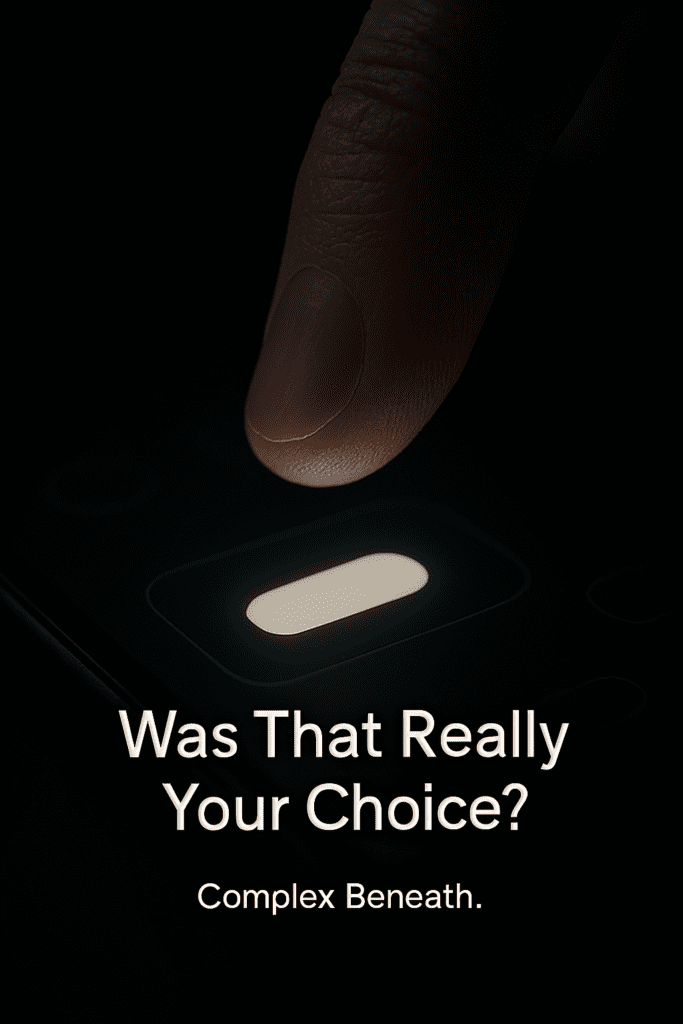
Why Simplicity Feels So Good
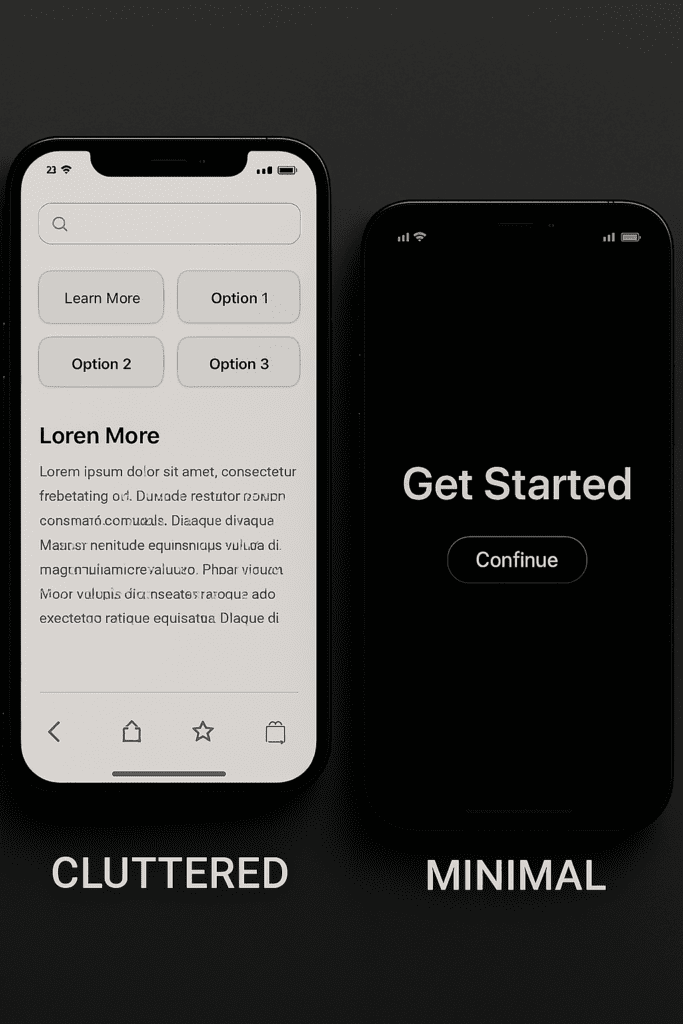
Minimal design feels premium.
Clean screens.
Few buttons.
Large visuals.
But simplicity often hides complexity.
For example:
- Auto-play hides manual control.
- Smart suggestions hide search.
- One-click purchases hide confirmation layers.
The fewer steps you see, the less friction you feel.
Less friction = more action.
More action = more engagement.
Invisible user interface thrives on reducing visible resistance. The Interaction Design Foundation explains how choice architecture and defaults affect decision-making.
Automatic Decisions You Don’t Notice
Your smartphone:
- Adjusts brightness automatically.
- Suggests replies automatically.
- Sorts notifications automatically.
- Curates feeds automatically.
Automation reduces cognitive load.
But it also reduces awareness.
When your phone predicts for you, you stop actively deciding.
Invisible UI shifts you from active user to passive accepter.
Hidden Data Collection
Notice how apps rarely show:
- What data they collect
- How often they collect it
- Where it’s sent
- How long it’s stored
You click “Agree” once.
Then everything happens silently.
Invisible UI hides complexity behind legal language.
The interface remains clean.
The processes remain invisible. Research from Stanford’s Persuasive Technology Lab highlights how digital interfaces shape human habits.
Why Companies Use Invisible UI
Because it works.
A visible, complex system:
- Slows users down.
- Makes them think.
- Makes them question.
Invisible UI:
- Speeds up actions.
- Reduces hesitation.
- Increases engagement.
From a business perspective, that’s powerful.
From a user perspective, that’s risky.
The Psychological Effect
When systems feel effortless, you trust them more.
You assume:
“If it’s simple, it must be safe.”
But safety isn’t visible.
Convenience is.
Invisible user interface leverages human psychology:
We choose easy.
We avoid effort.
We prefer smooth over complex.
Designers understand this deeply.
How to Regain Control
You don’t need to reject technology.
You need awareness.
Here’s how:
✔ Explore settings manually once a month
✔ Review app permissions
✔ Turn off auto-play
✔ Disable personalized ads
✔ Question default choices
The goal isn’t rebellion.
It’s intentional usage.
When you understand invisible user interface, you become an active participant again.
Conclusion
The most powerful controls are the ones you never notice.
Invisible UI doesn’t scream.
It whispers.
It removes friction.
It hides complexity.
It simplifies decisions.
And in doing so, it subtly shapes behavior.
Next time you open your smartphone, ask yourself:
What am I not seeing?
Because what’s invisible might be the most powerful part of all.
Frequently Asked Questions (FAQ)
What is an invisible user interface in smartphones?
An invisible user interface is a design approach where most system decisions and controls are hidden from users. Instead of showing complex options, smartphones automate actions and guide behavior silently in the background, making interactions feel effortless.
How does invisible user interface influence user behavior?
Invisible user interface influences behavior through default settings, predictive suggestions, autoplay features, and simplified layouts. These subtle design choices reduce friction and encourage users to act without consciously evaluating alternatives.
Is invisible user interface the same as dark patterns?
No. Dark patterns are intentionally deceptive designs meant to trick users. Invisible user interface focuses on simplification and automation. However, when misused, invisible UI elements can overlap with manipulative design practices.
Wow I’m very curious to know