
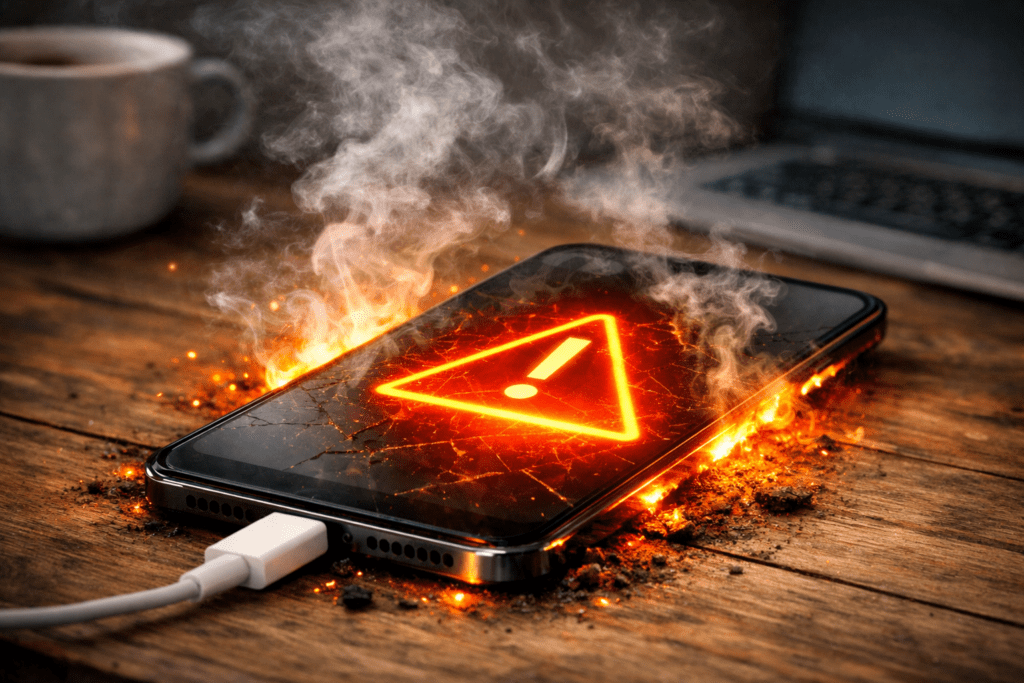
Keep your phone cool, and it will keep up with your life.
Fix Heating Issues in Minutes
Common Causes of Overheating
| Cause | Description | Effect |
|---|---|---|
| Heavy App Usage | Running multiple apps | High CPU load |
| Gaming | High graphics demand | GPU overheating |
| Charging While Using | Dual power usage | Battery heat |
| Background Apps | Hidden processes | Memory usage |
| High Brightness | Screen power consumption | Battery stress |
Understanding these causes helps you choose the right fix.
1.Close Background Apps Immediately

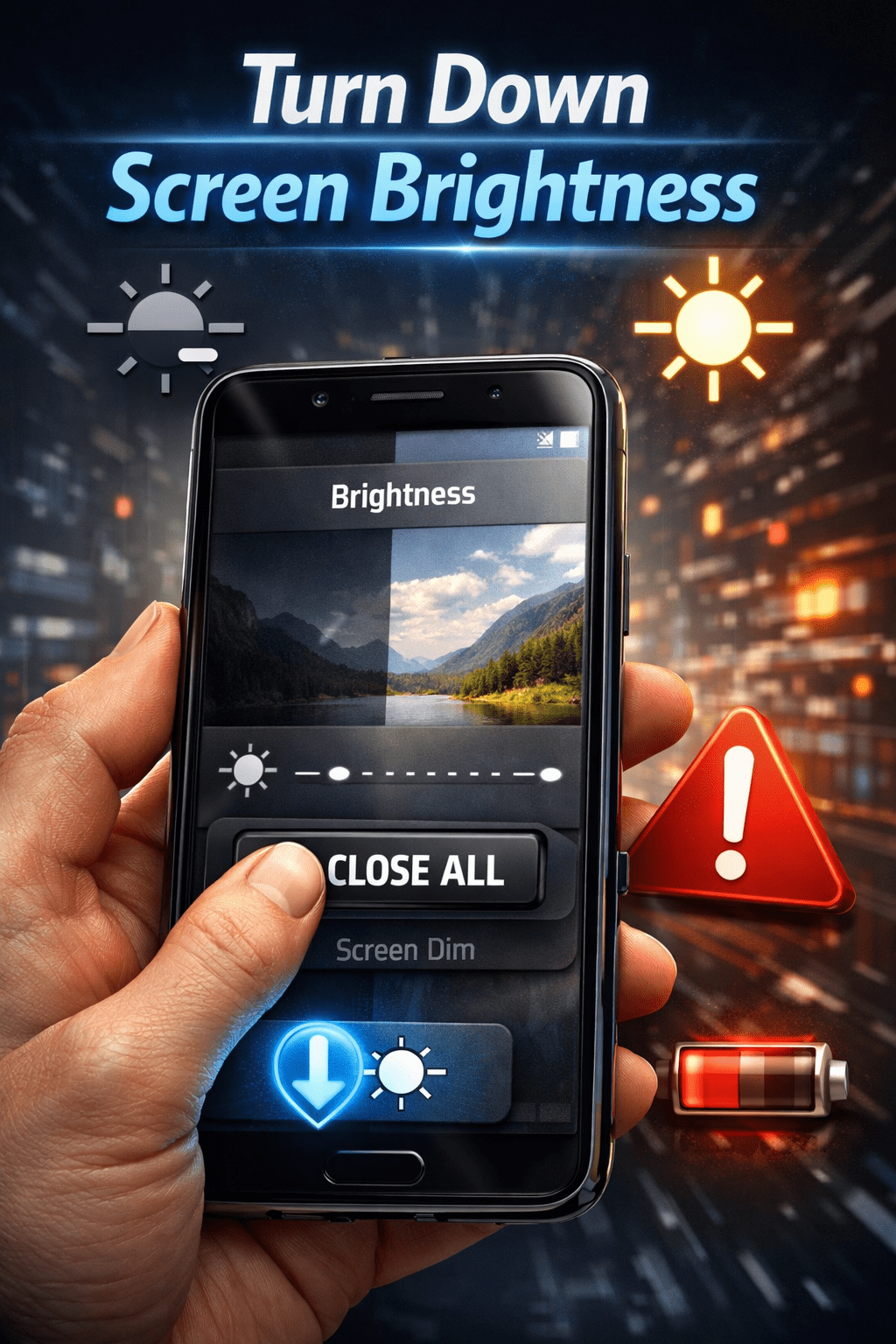
2. Turn Down Screen Brightness
3. Stop Using Phone While Charging
Using your phone while charging is a major cause of overheating. Battery health and charging habits directly impact device temperature.
Why it happens:
- Battery charging generates heat
- Apps consume power simultaneously
Solution:
Let your phone charge without usage for best results.
4. Remove Heavy Apps
Some apps consume excessive CPU and RAM.
Action:
- Uninstall unused apps
- Remove heavy games if not needed
- Replace with lighter alternatives
This is an effective long-term phone overheating problem solution.
5. Restart Your Phone Regularly
Restarting clears temporary processes.
Benefits:
- Refreshes memory
- Stops background activity
- Improves performance
A simple restart can significantly reduce heating issues.
6. Update Your Software
Outdated software may contain bugs causing overheating.
Steps:
- Go to Settings
- Check for updates
- Install latest version
Manufacturers optimize performance through updates. According to official Android support, updating your device improves performance and fixes bugs.
7. Avoid Direct Sunlight
Environmental heat plays a big role.
Tips:
- Do not use phone under direct sun
- Avoid leaving it in cars
- Keep it in a cool place
External heat can quickly raise internal temperature.
8. Use Original Charger Only
Low-quality chargers can cause overheating.
Always use:
- Original charger
- Certified cables
This protects your battery and reduces heat.
9. Clear Cache Files
Cache files build up over time and slow down your phone.
Steps:
- Open Settings
- Go to Storage
- Clear cache
This is one of the easiest phone overheating problem solutions. Storage issues can also lead to overheating problems.
10. Remove Phone Case While Charging
Phone cases trap heat.
Fix:
- Remove case during charging
- Avoid thick cases while gaming
This allows better heat dissipation.
Safe Temperature Levels
| Temperature | Status |
|---|---|
| 30–35°C | Normal |
| 36–40°C | Warm |
| 41–45°C | High |
| Above 45°C | Dangerous |
If your phone frequently crosses 45°C, take action immediately.
Pro Tips to Prevent Overheating
- Avoid long gaming sessions
- Limit background apps
- Keep storage optimized
- Use Wi-Fi instead of mobile data when possible
These habits prevent heating issues in the long run.
Conclusion
Smartphones are powerful devices, but overheating is a common issue caused by heavy usage, background processes, and environmental factors.
By following the methods in this phone overheating problem solution guide, you can quickly reduce heat, improve performance, and extend your device’s lifespan.
Simple actions like closing apps, reducing brightness, and avoiding usage while charging can make a big difference. Maintaining good usage habits ensures your phone stays cool and efficient.
Consistently applying these solutions will help you avoid overheating problems and keep your smartphone running smoothly for a long time.
Frequently Asked Questions
Why is my phone overheating even when not in use?
This usually happens due to background apps or system processes running continuously.
Can overheating damage my phone?
Yes, long-term overheating can damage battery health and internal components.
Is it normal for phones to heat up?
Slight heating is normal during heavy usage, but excessive heat is not.
How can I cool my phone quickly?
Close apps, turn off connectivity, and keep the phone in a cool place.