Smartphone Digital Wellbeing Guide: How to Reduce Screen Time and Improve Focus in 2026
Why Digital Wellbeing Matters More Than Ever
In today’s connected world, the average smartphone user spends 4–7 hours per day on their device. Notifications, social media scrolling, and short-form content are designed to capture attention.
Without structure, smartphone usage can:
Reduce deep focus ability Interrupt work productivity Affect sleep quality Increase digital fatigue
That’s why following a structured smartphone digital wellbeing guide is important for long-term balance. If you’ve ever wondered why your phone feels distracting, you should also read our guide on how smartphone AI improves daily performance.
Smartphone digital wellbeing guide strategies are becoming essential in 2026 as screen time continues to increase worldwide.
While smartphones improve productivity, communication, and entertainment, excessive usage can reduce focus, disturb sleep patterns, and impact mental clarity.
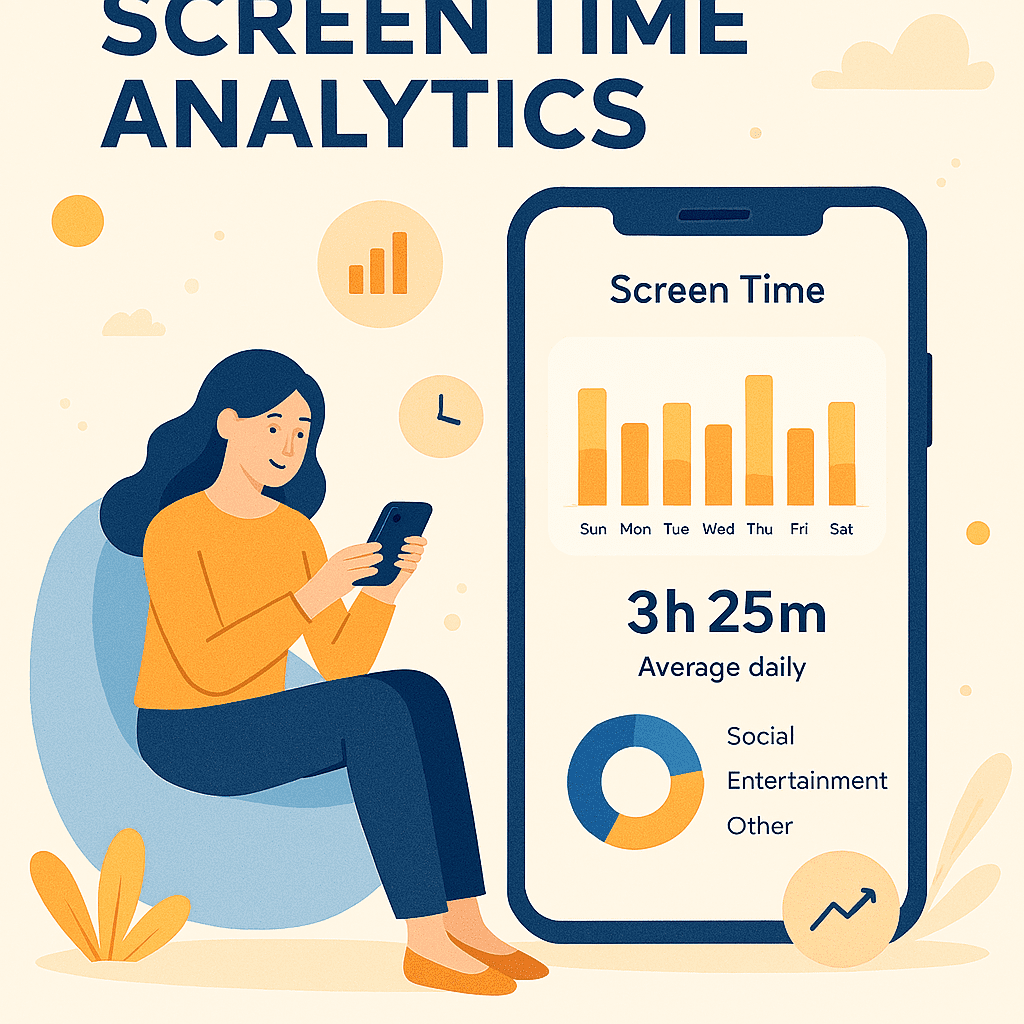
Understanding Screen Time Analytics
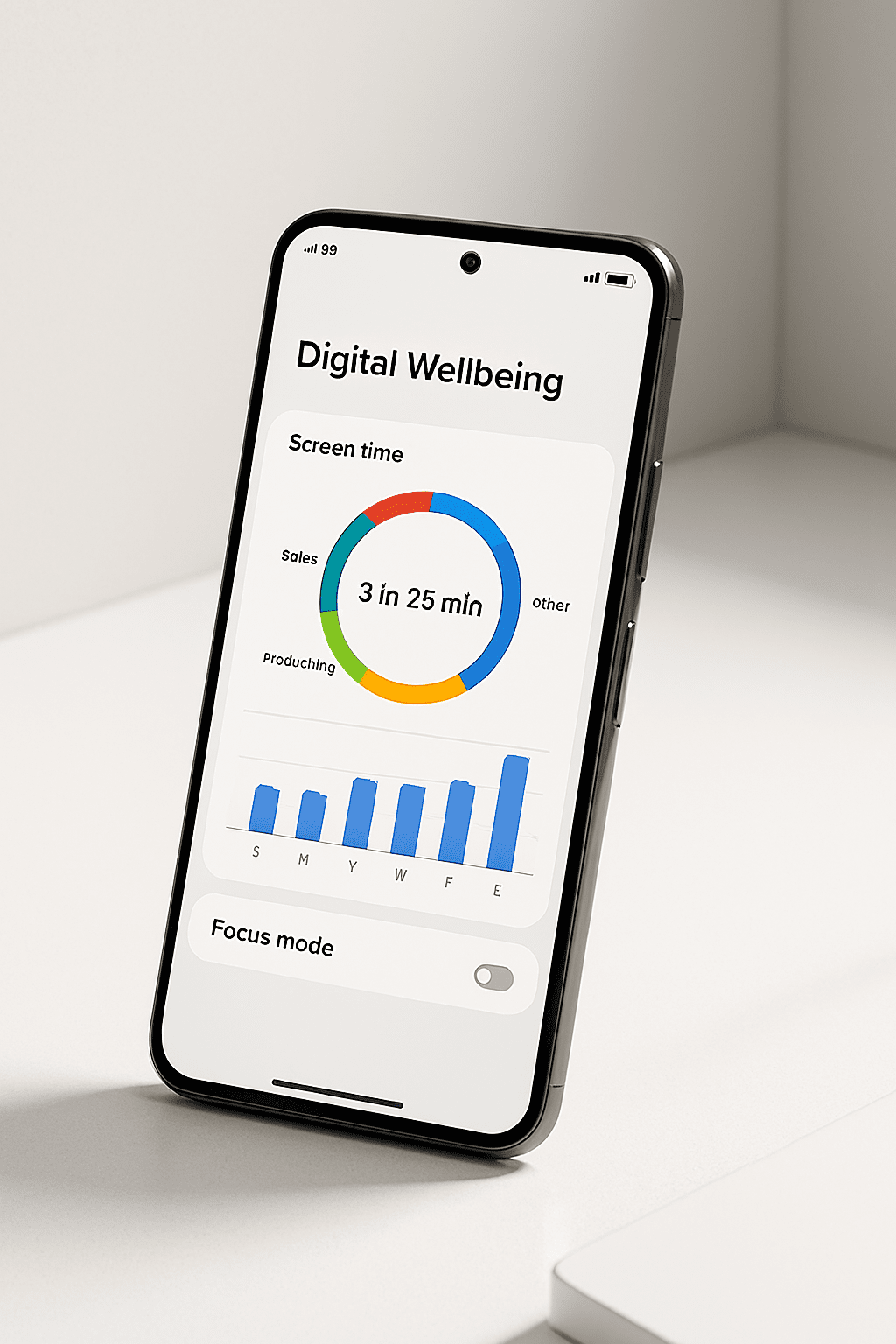
Most modern smartphones now include built-in digital wellbeing dashboards. These tools track:
Daily screen time
App usage breakdown
Number of device pickups
Notification frequency
By reviewing this data weekly, you can identify which apps consume the most attention. You may also explore our article on hidden smartphone features that improve productivity.
The smartphone digital wellbeing guide recommends checking analytics at least once per week to stay aware of patterns.
Step 1:
Use Focus Mode Strategically
Focus Mode temporarily pauses distracting apps. Instead of deleting apps permanently, you can schedule focused periods during:
Work hours
Study sessions
Family time
Sleep preparation
When enabled, distracting notifications are silenced.
This is one of the most powerful features highlighted in this smartphone digital wellbeing guide.
Step 2:
Set App Time Limits
App timers allow you to limit usage daily. For example:
Social media: 30 minutes
Video platforms: 45 minutes
Gaming: 1 hour
Once the limit is reached, the app becomes temporarily unavailable.
This structured approach helps build discipline gradually.
This smartphone digital wellbeing guide promotes sustainable habits instead of unrealistic restrictions.
Benefits of Following a Smartphone Digital Wellbeing Guide
When applied consistently, you may notice:
Better focus
Reduced eye strain
Improved sleep
Higher productivity
Less digital stress
Small habit changes create long-term benefits.
Common Mistakes to Avoid
Avoid these errors:
❌ Turning off phone completely for work (impractical) ❌ Deleting apps impulsively and reinstalling later ❌ Ignoring analytics ❌ Trying extreme detox suddenly
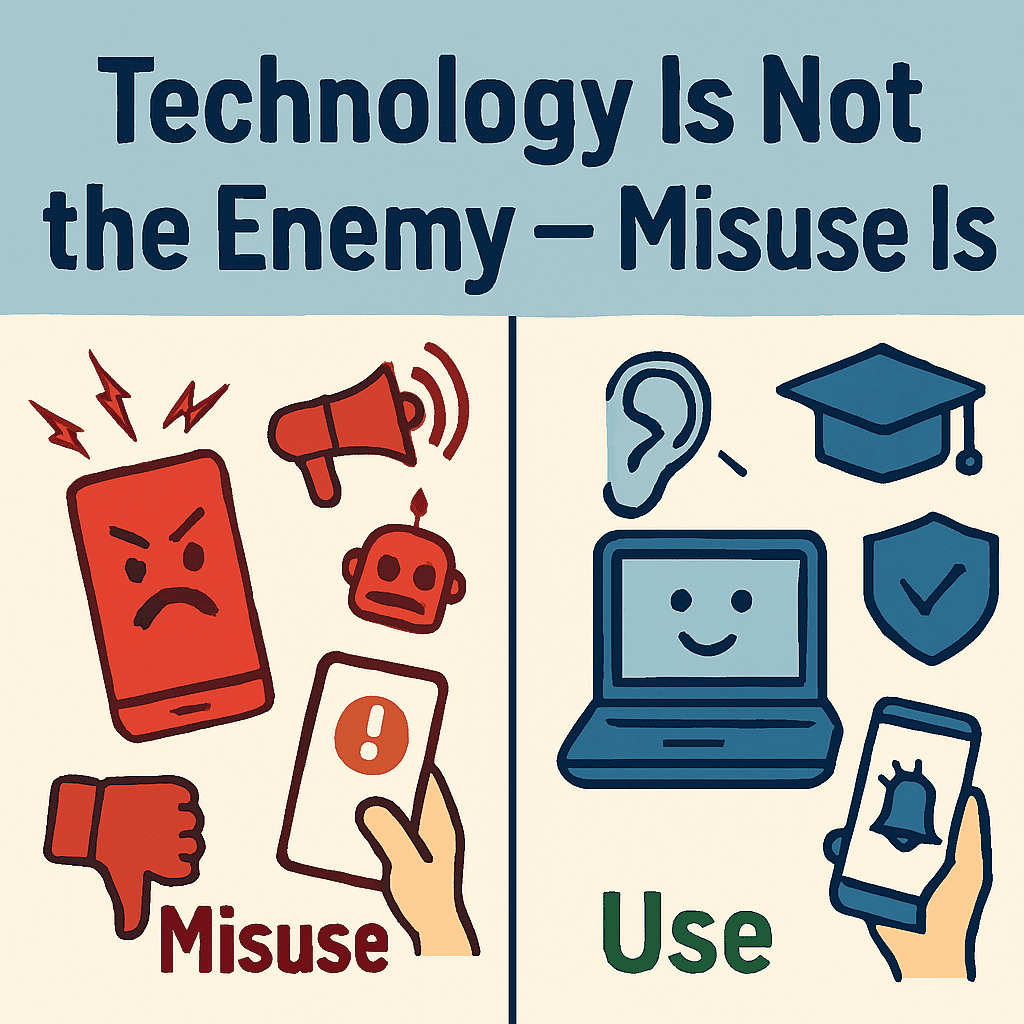
Smartphones are tools. The goal of this smartphone digital wellbeing guide is not to reject technology but to use it consciously.
When managed correctly, smartphones can:
Improve learning
Enhance communication
Support productivity
Provide entertainment responsibly
Digital wellbeing is about awareness, not restriction.
Final Thoughts
The modern world requires smart technology use. By applying this smartphone digital wellbeing guide, you can regain control over your time and attention while still benefiting from innovation.
Healthy digital habits are not built overnight — but small, consistent adjustments create powerful long-term results.
Start today with one small change, and observe the difference over the next 30 days.
Continue reading our smartphone optimization series to make your device smarter and healthier.
Frequently Asked Questions
1. What is a smartphone digital wellbeing guide?
A smartphone digital wellbeing guide provides structured strategies to manage screen time, notifications, and digital habits for healthier usage.
2. How many hours of screen time is healthy?
There is no fixed number, but reducing unnecessary usage and maintaining work-life balance is recommended.
3. Does focus mode improve productivity?
Yes, focus mode reduces distractions and helps maintain deep work sessions.
4. Can digital wellbeing tools improve sleep?
Yes, features like night mode and scheduled downtime reduce late-night screen exposure.