
5 Hidden Smartphone Features You’re Not Using (But Should in 2026)

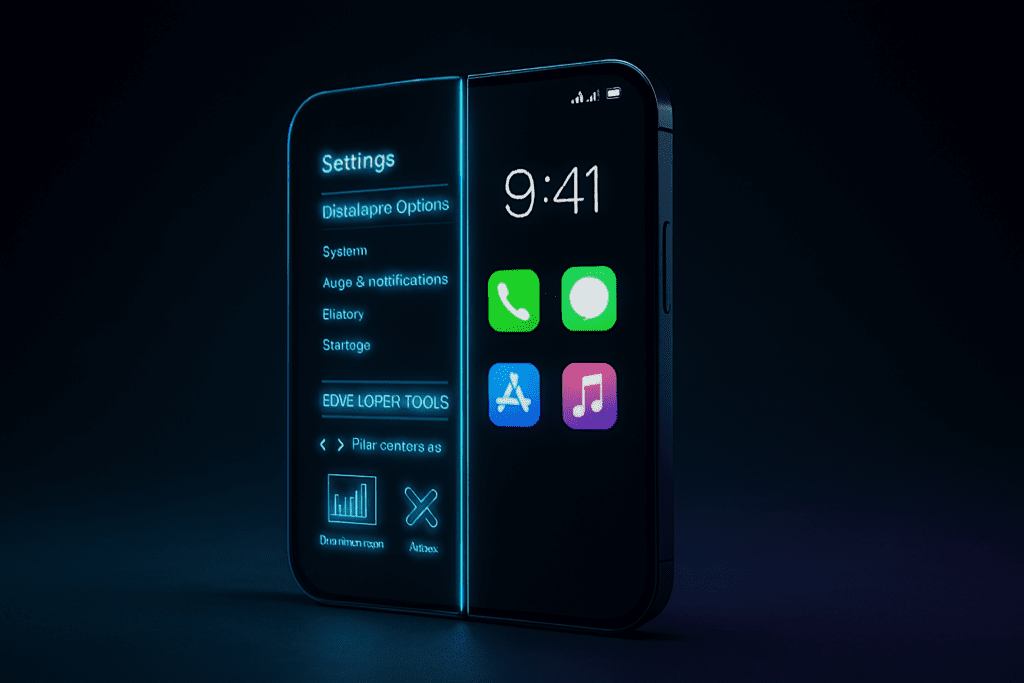
Your smartphone is more powerful than you think.
Most people use their phones for social media, calls, and YouTube. But beneath that simple surface lies a hidden control system packed with advanced tools, performance settings, and privacy features that rarely get attention.
The truth is simple:
You are probably using only 40–50% of your phone’s actual capability.
Today, we unlock the hidden smartphone features that can improve speed, extend battery life, boost privacy, and even make your device feel brand new again.
Let’s unlock the power.
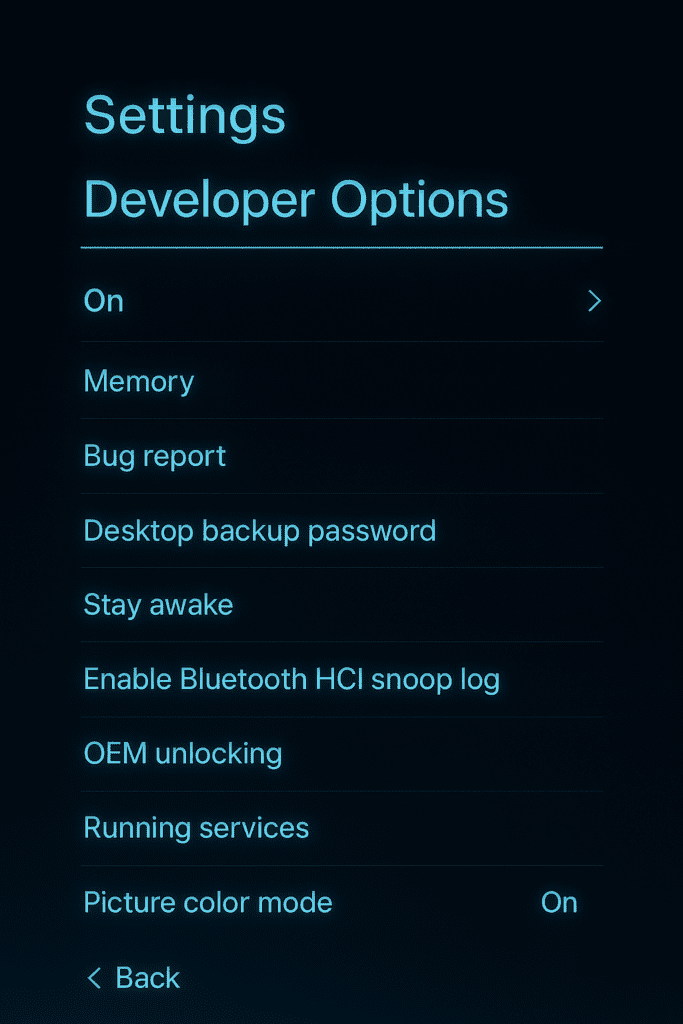
1.Developer Options – The Secret Control Room
This is one of the most powerful hidden smartphone features available on Android devices.
It’s not visible by default.
To activate it:
- Open Settings
- Go to About Phone
- Tap “Build Number” seven times
You’ll see a message: “You are now a developer.”
Inside Developer Options, you’ll find:
- Animation scale controls
- Background process limit
- USB debugging
- Hardware acceleration settings
- Force GPU rendering
Why This Matters
If your phone feels slow, you can reduce animation scale from 1x to 0.5x. Instantly, your phone feels faster — not because hardware changed, but because animations became quicker.
It’s a psychological speed boost and a performance trick in one.
⚠ Important:
Only change animation scale and background process limit. Avoid unknown options.
This single hidden menu can dramatically change your experience.
If you want more ways to improve smartphone performance, check out our detailed guide here.
“10 Proven Ways to Make Your Smartphone Faster in 2026”
2.Built-In Screen Recorder – Stop Installing Extra Apps
Many users download third-party apps for screen recording.
But most modern smartphones already include a built-in screen recorder inside Quick Settings.
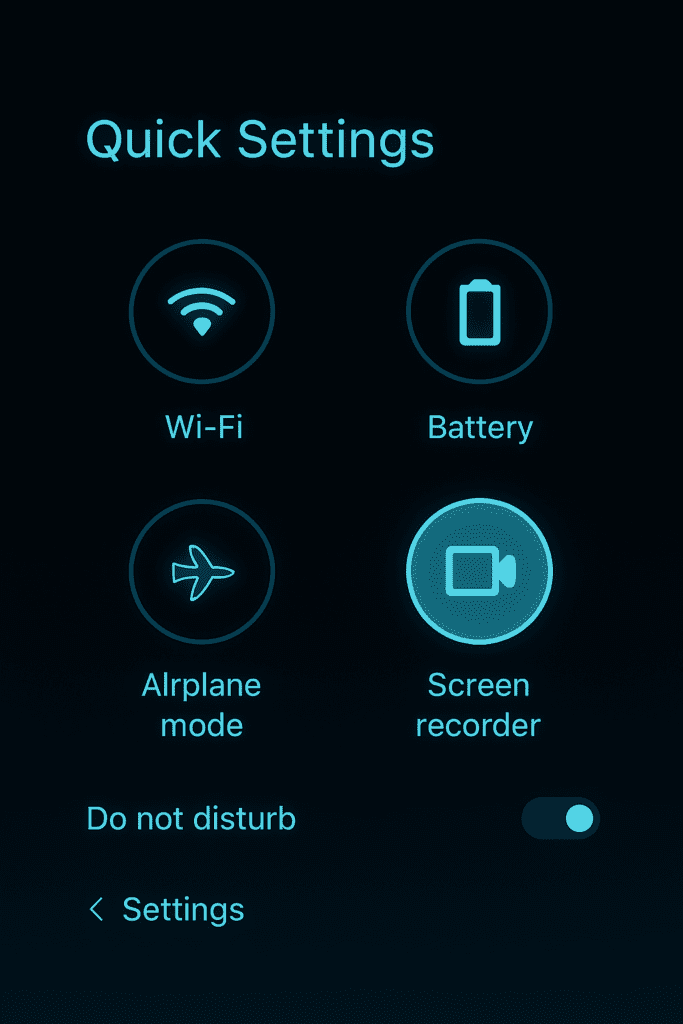
It allows you to:
- Record internal audio
- Capture microphone voice
- Record gameplay
- Trim videos instantly
Why It’s Better Than Apps
Third-party apps:
- Consume extra storage
- Show ads
- May request unnecessary permissions
Built-in tools:
- Are optimized
- Consume less battery
- Are secure
- No ads
This hidden smartphone feature saves storage and improves security.
Next time you need to record your screen, just swipe down your notification panel.
Simple. Clean. Efficient.
“Your phone isn’t slow. You’re just not using it fully.”
Sometimes we blame hardware.
But most performance issues come from unoptimized settings.
These hidden smartphone features exist to help you take control.
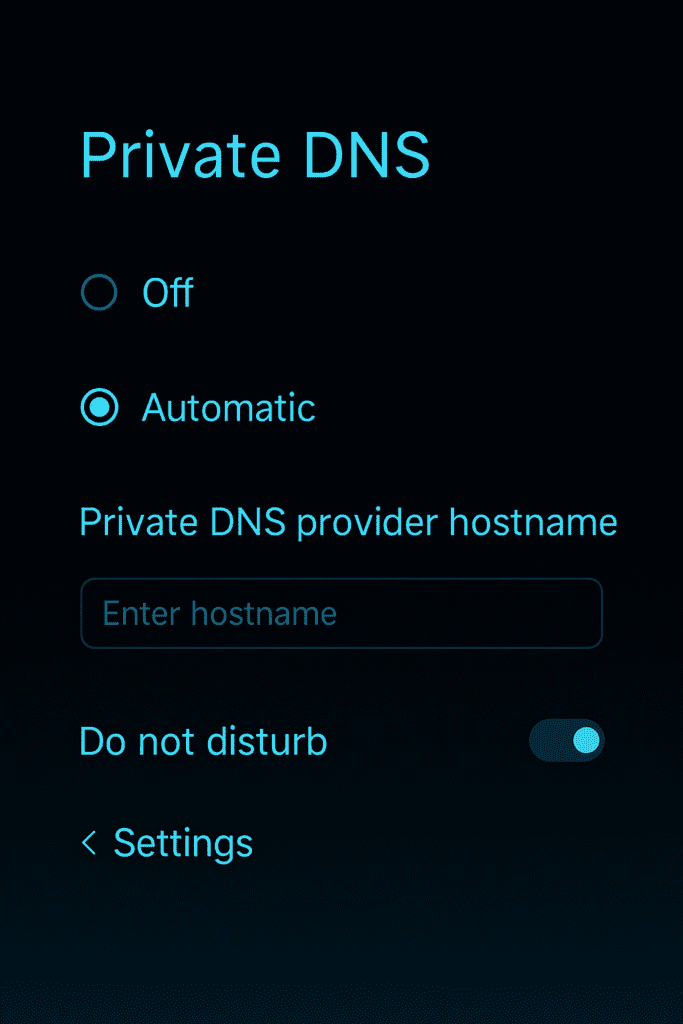
3.Private DNS Mode – Advanced Internet Protection
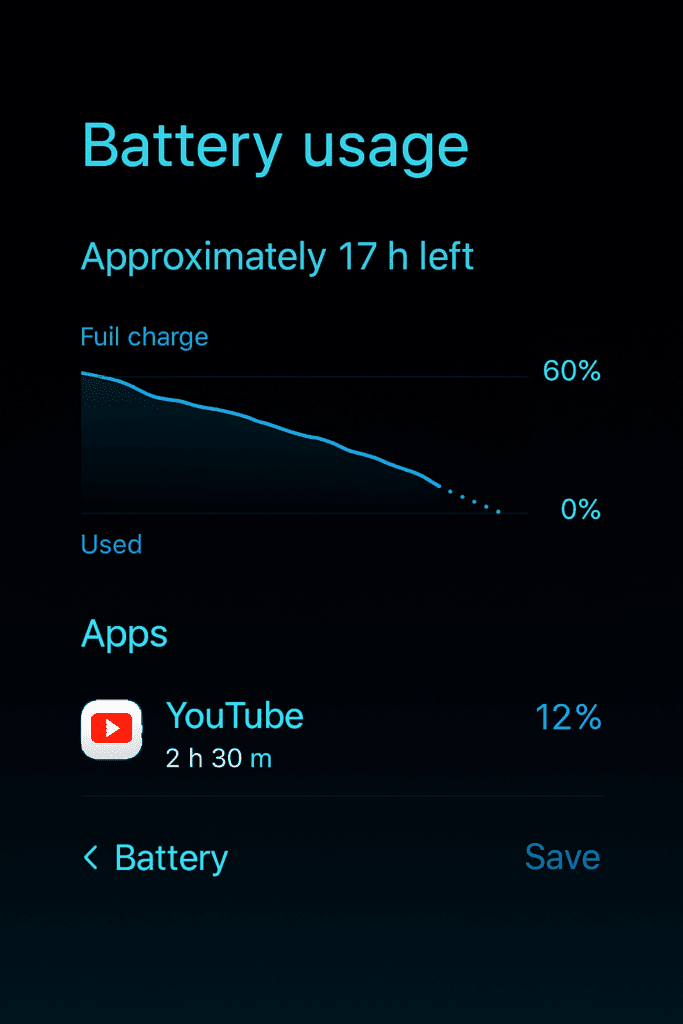
4.Detailed Battery Usage Analytics – Find Hidden Drain
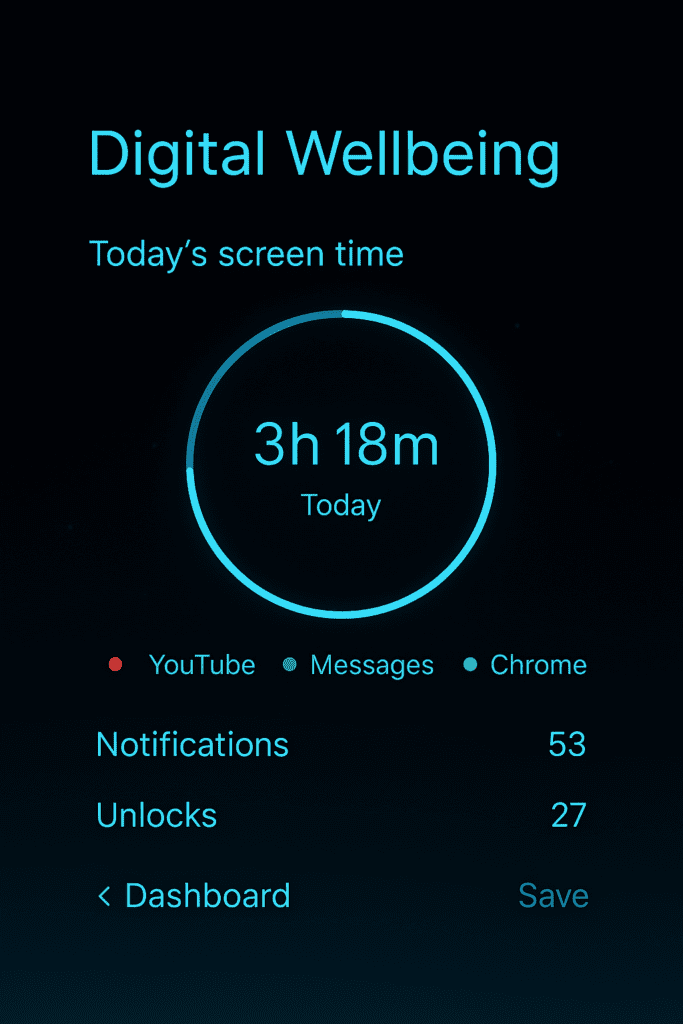
5.Digital Wellbeing & Focus Mode – The Productivity Weapon
Hidden smartphone features are not just about speed — they’re about control.
Digital Wellbeing is built into most modern Android devices.
Inside it, you can:
- Track daily screen time
- Set app timers
- Enable Focus Mode
- Schedule downtime
- Reduce distractions
Why This Is Important in 2026
Attention is the new currency.
Your phone competes for it constantly.
Focus Mode allows you to:
- Pause distracting apps
- Silence notifications
- Reduce mental clutter
Instead of your phone controlling you, you control it.
Very few users activate this.
But the ones who do notice dramatic productivity improvements.
Quick Comparison Table
| Feature | What It Improves |
|---|---|
| Developer Options | Perceived Speed |
| Screen Recorder | Storage & Security |
| Private DNS | Privacy |
| Battery Analytics | Battery Life |
| Focus Mode | Productivity |
Five tools.
Zero extra apps.
Maximum control.
Why Most People Never Use These Features
Simple reason: visibility.
Smartphone brands hide advanced tools to avoid confusing beginners.
Manufacturers design phones for simplicity. But power users know where to look.
If you explore settings once in a while, you’ll discover:
- Custom gesture controls
- Advanced Wi-Fi settings
- Hidden accessibility shortcuts
- System UI customization
The phone is smarter than you think.
How These Features Change Your Experience
After enabling and using these tools:
✔ Your phone feels faster
✔ Battery lasts longer
✔ Internet browsing becomes safer
✔ You install fewer unnecessary apps
✔ Productivity improves
You move from being a casual user to a smart user.
That’s the difference.
Conclusion
Your smartphone is not just a device for scrolling.
It is:
- A hidden performance machine
- A built-in privacy protector
- A productivity enhancer
- A customizable control center
But only if you explore it.
The average user never opens advanced settings.
Now you’re not average anymore.
You know the hidden smartphone features that can transform your device in minutes.
Before buying a new phone in 2026, try unlocking the full power of the one in your hand.
You might be surprised how powerful it already is.
Quick Action
Try This Right Now
Don’t just read. Test it.
Take 2 minutes and do this:
- Enable Developer Mode
- Reduce animation scale to 0.5x
- Check detailed battery usage
- Activate Private DNS
That’s it.
Your phone will feel faster.
More optimized.
More secure.
FAQ
1. Are hidden smartphone features safe to use?
Yes, as long as you only adjust known options like animation scale, Private DNS, and battery optimization settings. Avoid changing advanced developer controls unless you understand them.
2. Do these hidden smartphone features work on all Android phones?
Most modern Android devices support them, though menu names may vary depending on the manufacturer.
3. Will enabling Developer Options damage my phone?
No. Simply enabling Developer Options does not harm your device. Problems only occur if you change unknown system-level configurations.
Nice information
Great! News